
 0242584743
 sales@smartpalm.online
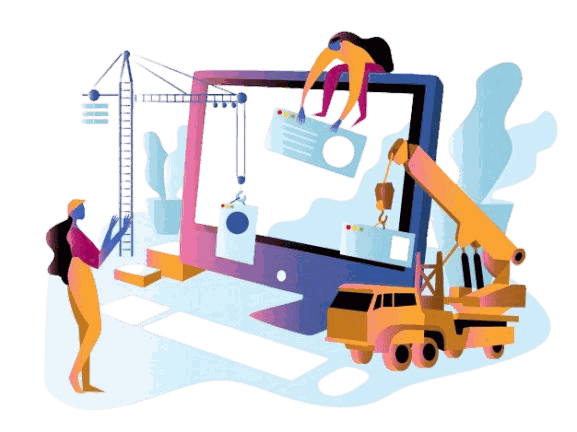
Custom software development in Accra, for clients anywhere
Software design, development and digital engineering, through to rollout on site or online. We build the system, load your data, set the permissions to match how your organisation actually works, and run it beside the old way until the numbers agree.
Built around how your organisation actually works
Off-the-shelf software asks you to change how you work to suit it. Sometimes that is the right trade. Often it means spreadsheets on the side, figures typed in twice and reports nobody trusts.
We build software to order when the work needs it, and say so plainly when a ready-made product would serve you better, our own included. Either way, one team designs it, builds it, puts it in, trains your staff and answers the support line.
What we deliver: The whole chain, from requirements to go-live
- Business systems built to order
- Integrations
- Data migration
- Roles and permissions
- Deployment on site or online
- Documentation and training
Business systems built to order
Sales, stock, finance, records, case management or approvals, shaped around the way your organisation already runs.
Integrations
Connections between the systems you already have, so data moves between them instead of being typed in twice.
Data migration
Records moved out of spreadsheets or old systems, cleaned and checked, so the new system starts with your real history.
Roles and permissions
Access set to match your structure: who can see, approve and change what, branch by branch.
Deployment on site or online
Installed on your own servers or hosted in the cloud, with backups, updates and a plan for the day something fails.
Documentation and training
Guides written for your staff and training on the screens they will use, so the knowledge stays with you.
How a project runs: Four stages, and you always know which one you are in
step 01
Understand the work
We sit with the people doing the job, map how the office, the counter or the field team actually operates, and write down what the system has to fit around.
step 02
Design and build
Architecture, data model and the build itself, in stages you can see, with your data rather than a demo company.
step 03
Deploy and train
Users, roles and opening balances loaded and checked, staff trained on the screens they will use, and the new system run beside the old one until both agree.
step 04
Support and improve
We stay on the ticket queue, keep the guides current, and take on the next round of changes as the organisation moves.
Who it is for: For organisations that have outgrown spreadsheets and workarounds
Finance and insurance
Policy, loan, claims and customer records, with the audit trail regulators ask for.
Education
Student records, fees and results, or a system built around how your institution runs.
Retail and distribution
Sales, stock and branches working off one set of records.
Health and pharmacy
Stock, dispensing and patient records, with access limited to the people who need it.
Regulatory compliance
Applications, reviews and approvals tracked from submission to decision.
Public sector and professional services
Case, document and workflow systems that replace paper and email chains.
Or start from software we already run
S-Keub
The system behind the counter and the store room. Sales, purchases, stock across branches, customers, staff and the books, all working off the same records.
see what it covers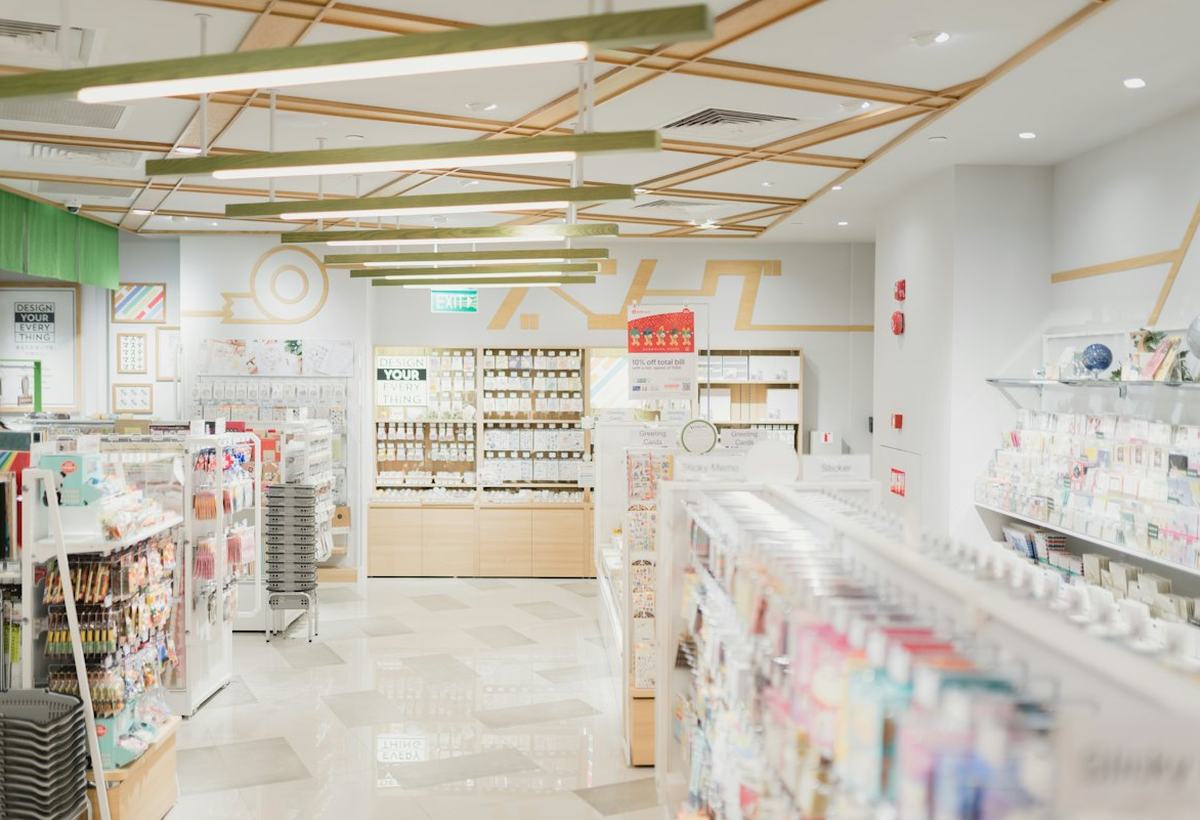
Smart School Management System
Everything a school office keeps track of: student records, fee collection and arrears, classes and results, and a login so parents can see their own child.
see what it covers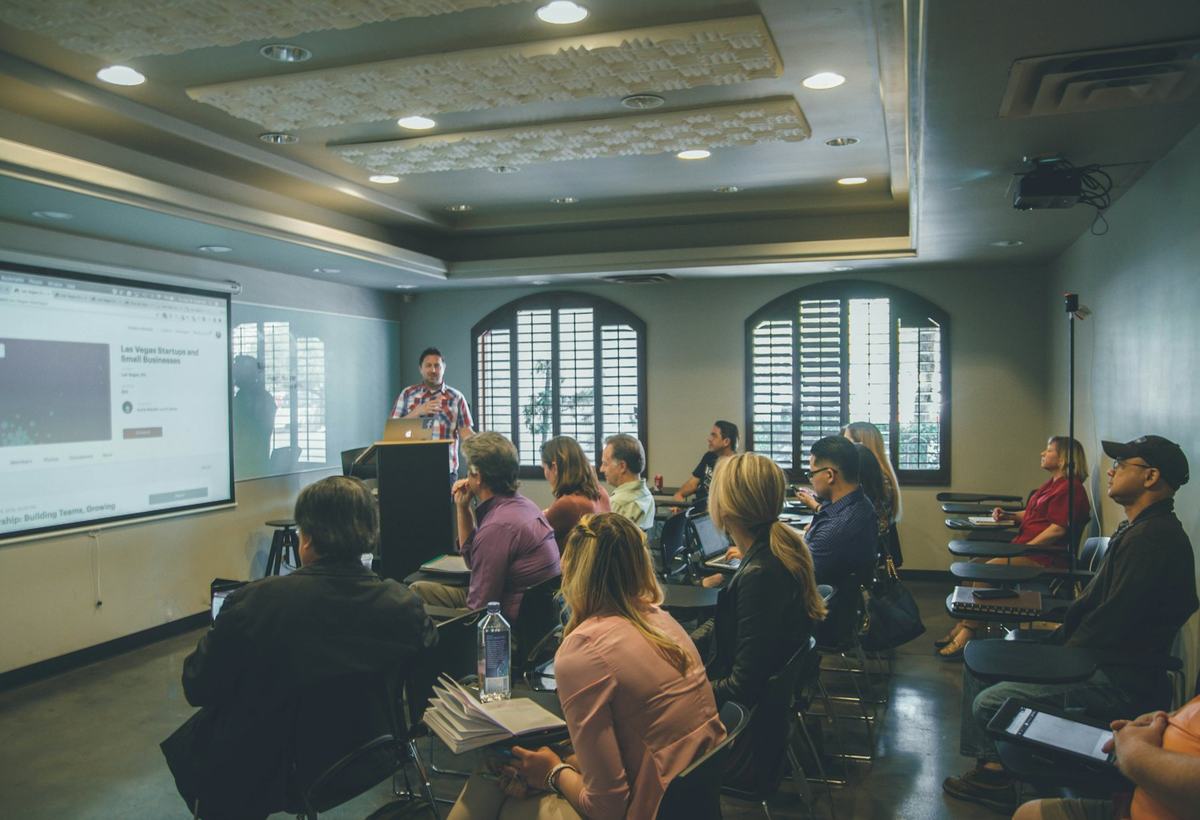
Custom software questions
If a ready-made product fits how you work, buy it: it is quicker and usually cheaper. Build when your work does not fit the products on offer, or when the workarounds cost more than building would. We will tell you which applies in a free consultation.
Yes. Loading your existing data is part of every deployment: we move it, check it, and run the new system beside the old one until both agree.
Either. We deploy on your own servers, on cloud hosting, or a mix of the two, and we are straight about the costs and trade-offs of each.
We start by sitting with the people who do the job, and we build in stages you can see and test with your own data rather than a demo company.
We stay on. Your staff are trained, the system is documented, and support tickets raised from the customer portal go to the team that built it.
It depends on the size of the system, how many people use it and what it connects to. After a free consultation we will tell you what building it would take and roughly what it costs.
Related guides
POS system vs spreadsheets: when does a shop need one?
A spreadsheet is enough while one person sells a small range of goods from one location and has time to reconcile the da…
Custom software or off-the-shelf: how to choose
Choose off-the-shelf software when your process is common, such as selling from a shop, paying staff or keeping accounts…
Multi Branch
About Multi Branch In just one solution, a multi-branch system can effectively control and manage the information from t…
Have work that no software quite fits?
Tell us what you run today and what is hurting. We will say whether we already have it, what building it would take, and roughly what it costs. The first conversation is free.